Credentials
In the Credentials page, you can manage the credentials that AlphaSOC uses to access your data sources. This includes adding new credentials, editing existing ones, and deleting credentials that are no longer needed.
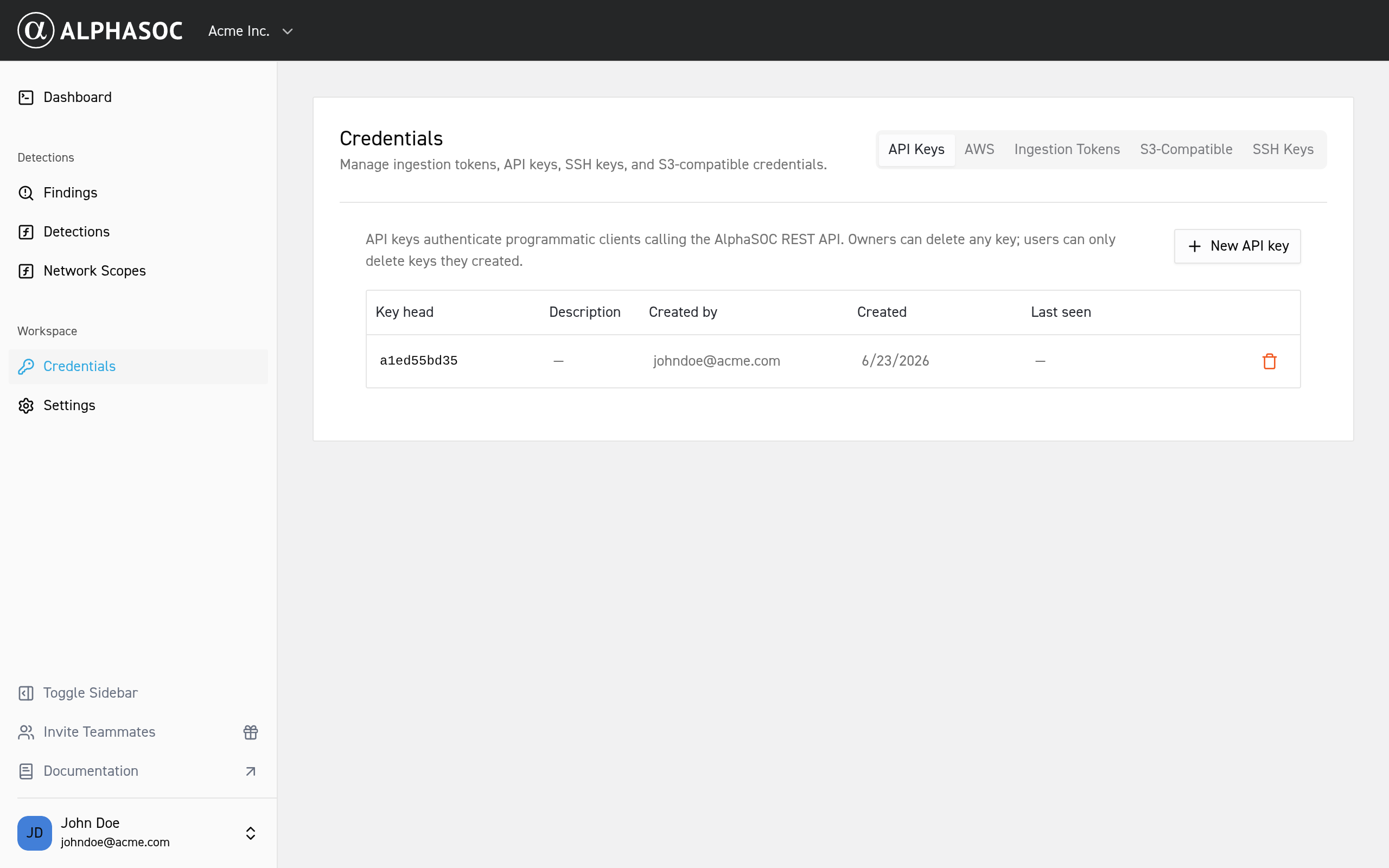
API Keys
API keys authenticate programmatic clients calling the AlphaSOC REST API. Owners can delete any key; users can only delete keys they created.
Amazon Web Services (AWS)
The AWS tab manages how AlphaSOC pulls logs from your Amazon S3 buckets: an IAM role (recommended) or a static access key, plus the S3 bucket and SQS queue registered as sources. Unlike the S3-compatible credentials below, which authenticate uploads to AlphaSOC, these let AlphaSOC read from your account.
Setup is two-phase:
- Set up the AWS resources (S3 bucket, SQS queue, IAM role) in the AWS console.
- Register them here, in the AWS tab: add the credential, then the S3 source, then the SQS source.
See the Amazon S3 setup guide for the full walkthrough.
Microsoft Azure
The Azure tab manages how AlphaSOC ingests telemetry from your Azure environment, via two independent transports:
- Blob Storage — a federated identity (Entra app registration) that lets AlphaSOC read logs from one or more storage accounts, or every account it can access. See the Azure Blob Storage setup guide.
- Event Hubs — a namespace connection string, event hub, and consumer group AlphaSOC uses to consume a live event stream. The connection string is write-only; the tab shows only the parsed namespace. See the Azure Event Hubs setup guide.
Owners can add and remove entries in both sections; users can view them.
Ingestion Tokens
Ingestion tokens authenticate telemetry sources that send data to the AlphaSOC Analytics Engine.
S3-Compatible Credentials
S3-compatible credentials authenticate uploads to the AlphaSOC ingestion endpoint. Any workspace member with write access can manage them.
SSH Keys
Register public SSH key fingerprints to ship telemetry to AlphaSOC's SFTP endpoint. Owners can delete any key; users can only delete keys they added.