SecOps
Overview
This guide explains how to configure Google SecOps to receive findings from AlphaSOC. The integration uses a webhook feed in UDM format.
By following this guide, you will:
- Create a Google SecOps webhook feed for receiving AlphaSOC findings.
- Generate a restricted Chronicle API key in Google Cloud.
- Configure a Google SecOps destination in AlphaSOC console.
Create a webhook feed in Google SecOps
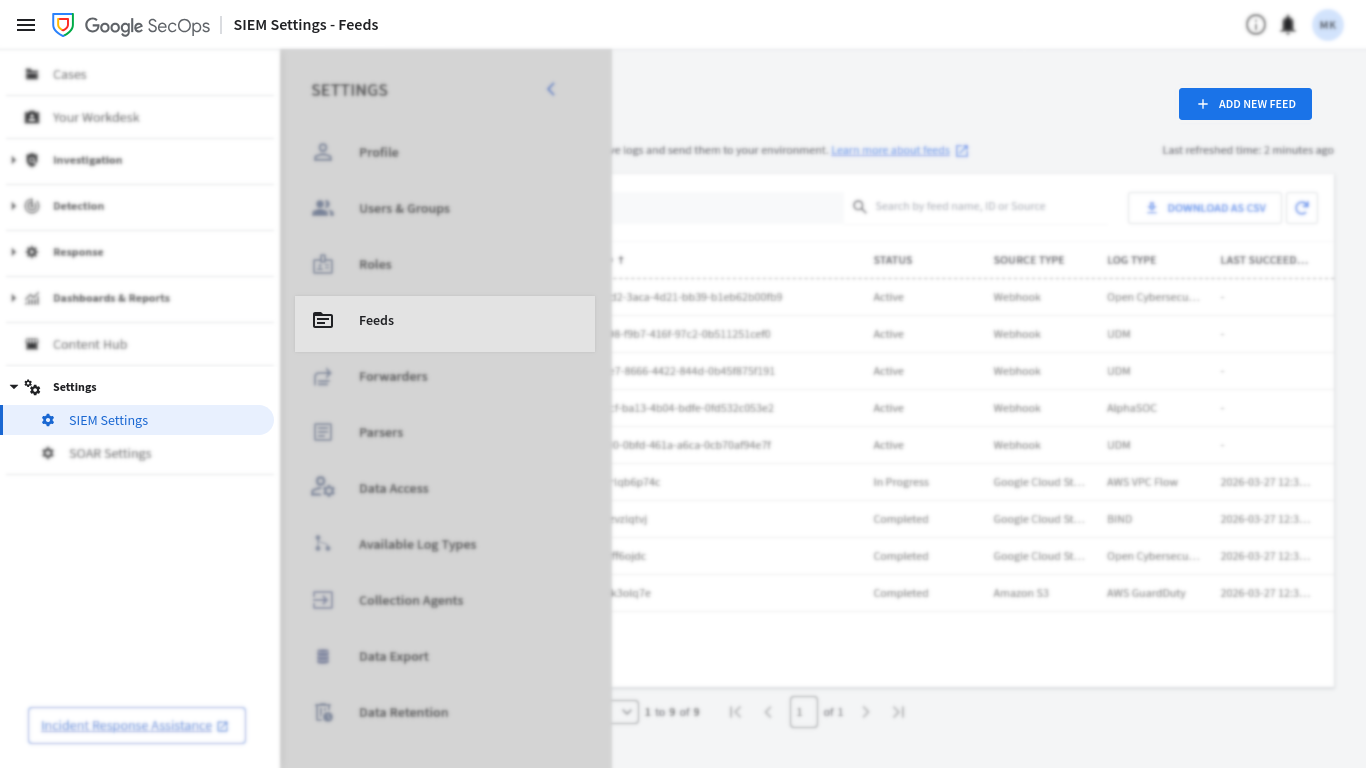
In your Google SecOps instance, use the left navigation bar to open Settings > SIEM Settings. Then, in the secondary left navigation bar, navigate to Feeds and click Add New.
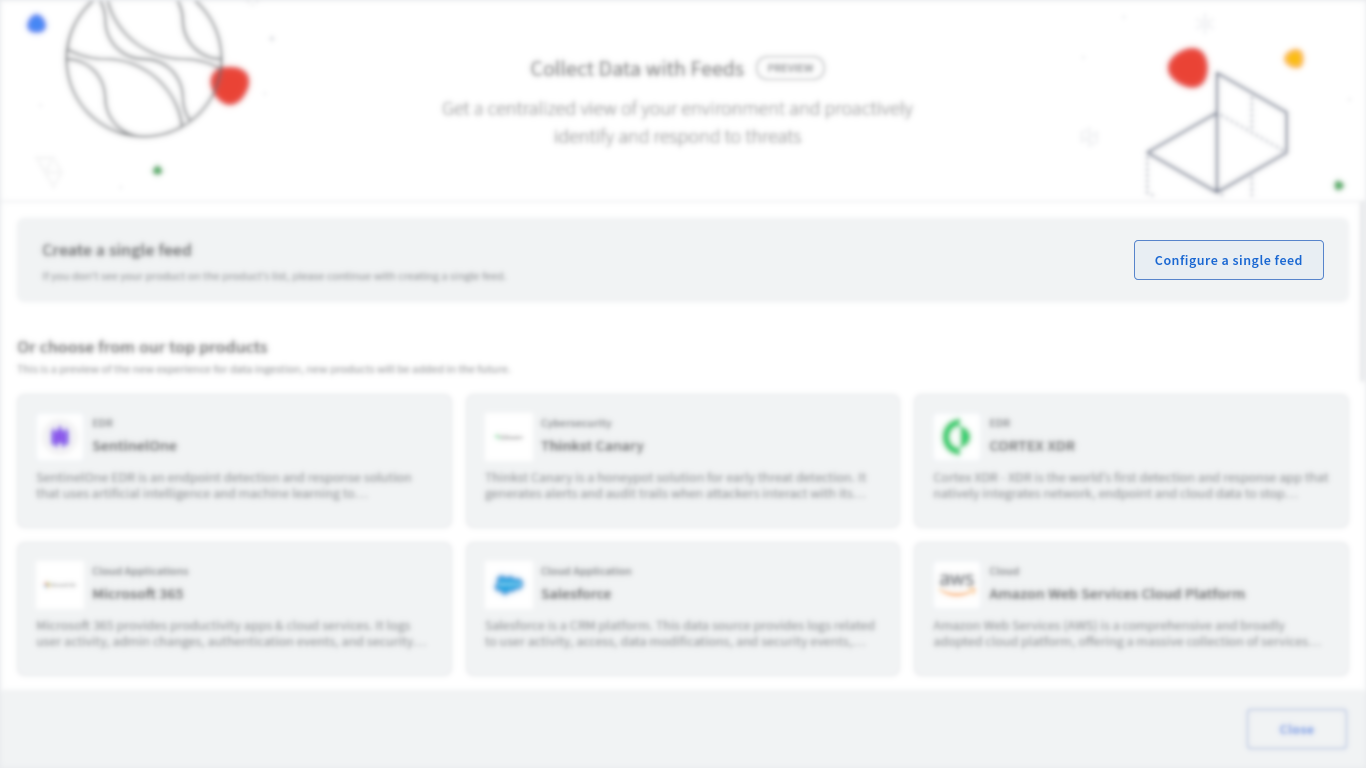
Click Configure a single feed.
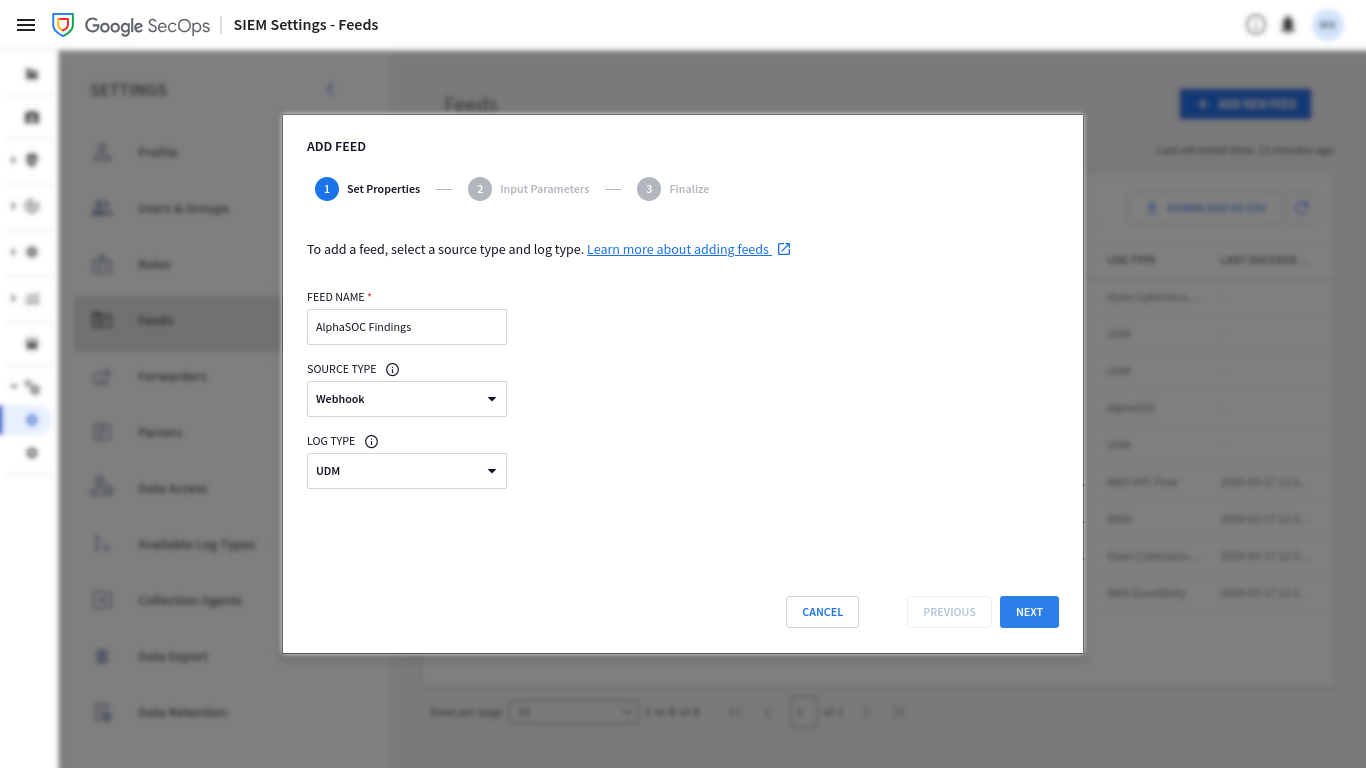
Provide your feed name (for example AlphaSOC Findings), set SOURCE TYPE to
Webhook, and LOG TYPE to UDM.
Explicitly set SPLIT DELIMITER to \n, replacing the grayed-out value.
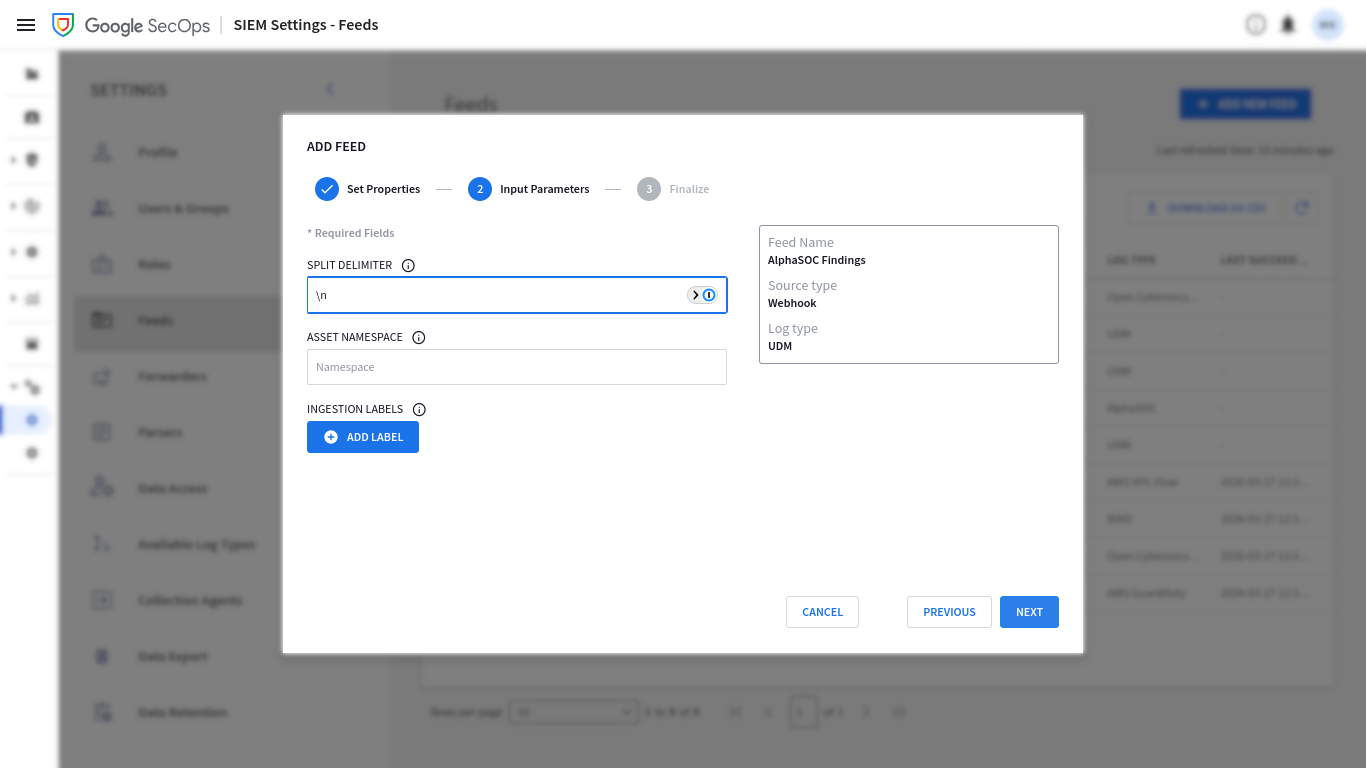
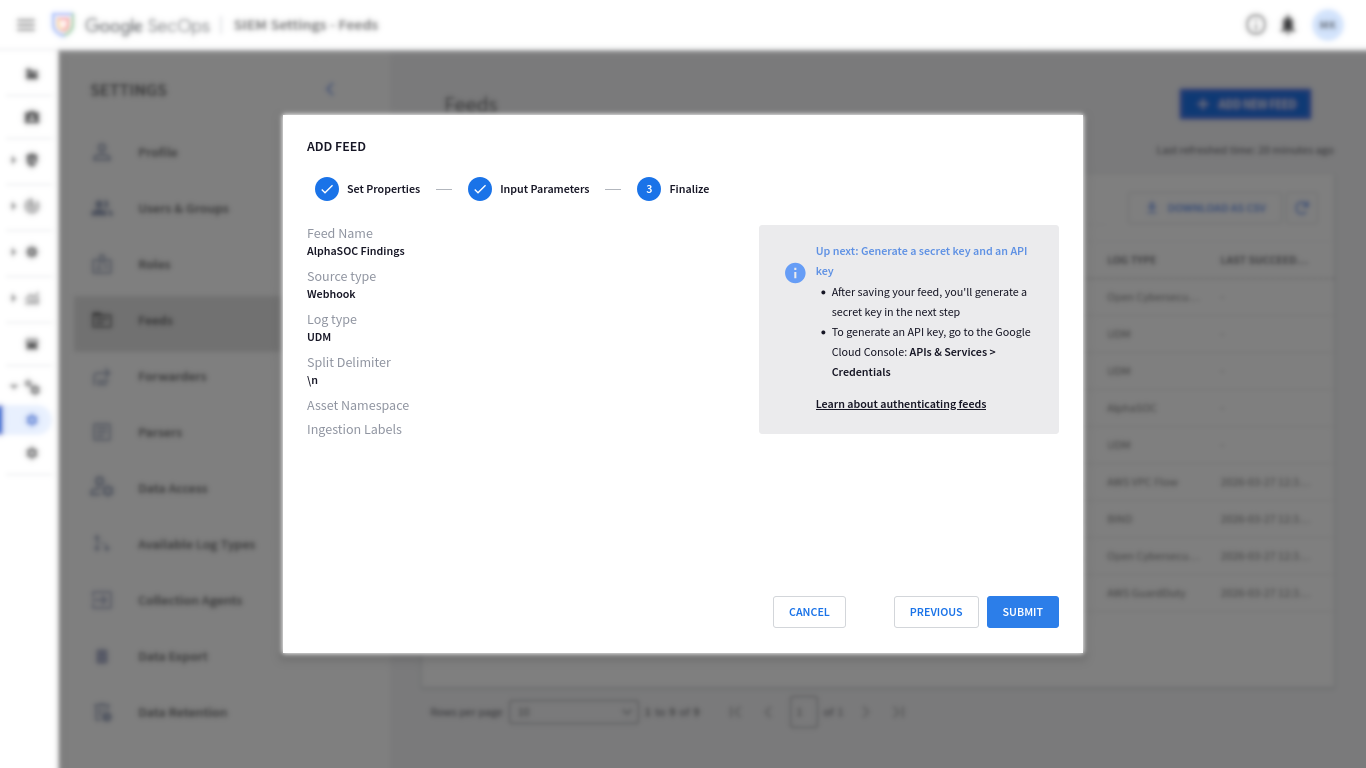
Verify your feed settings and press SUBMIT.
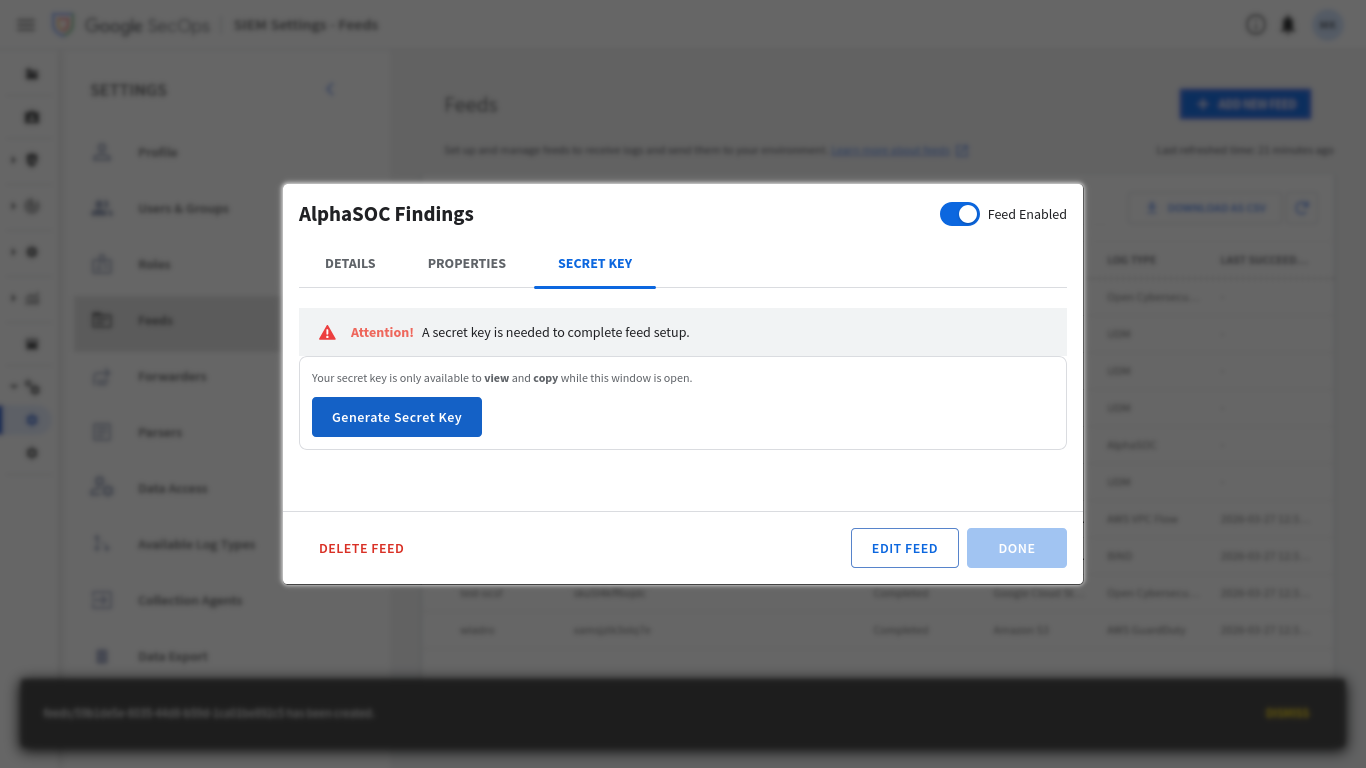
Press Generate Secret Key and copy the value for later.
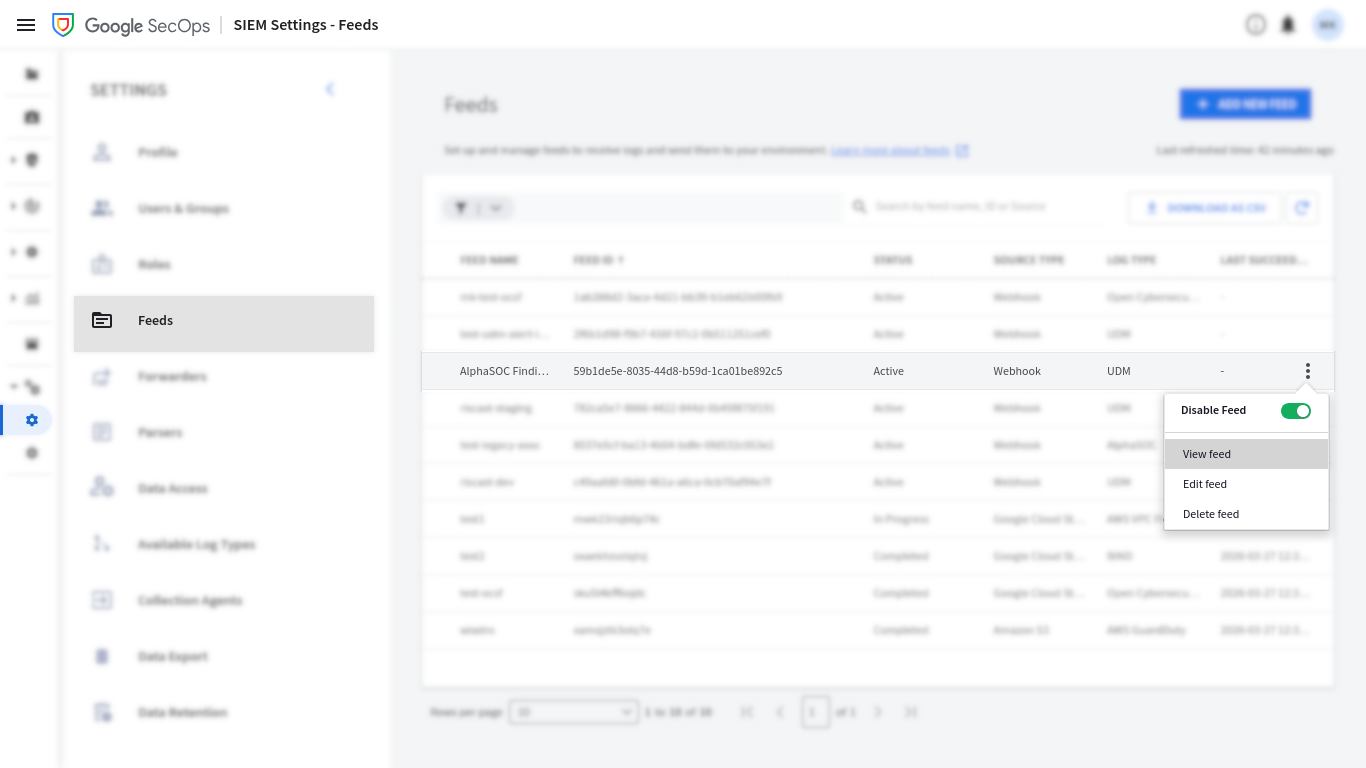
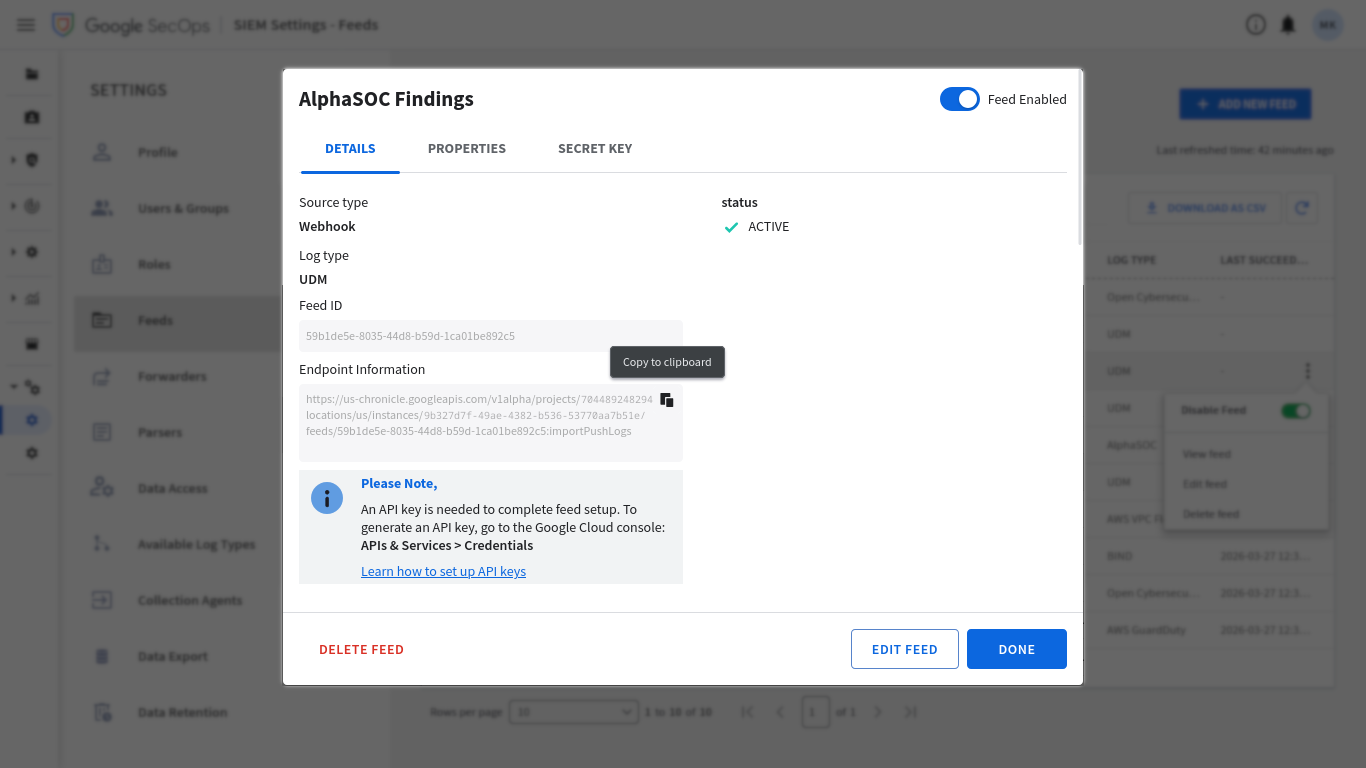
Open options for your newly created feed and press View Feed.
Navigate to the Details tab, copy your Endpoint Information (which is a Webhook URL), and save it for later.
Create an API key in Google Cloud
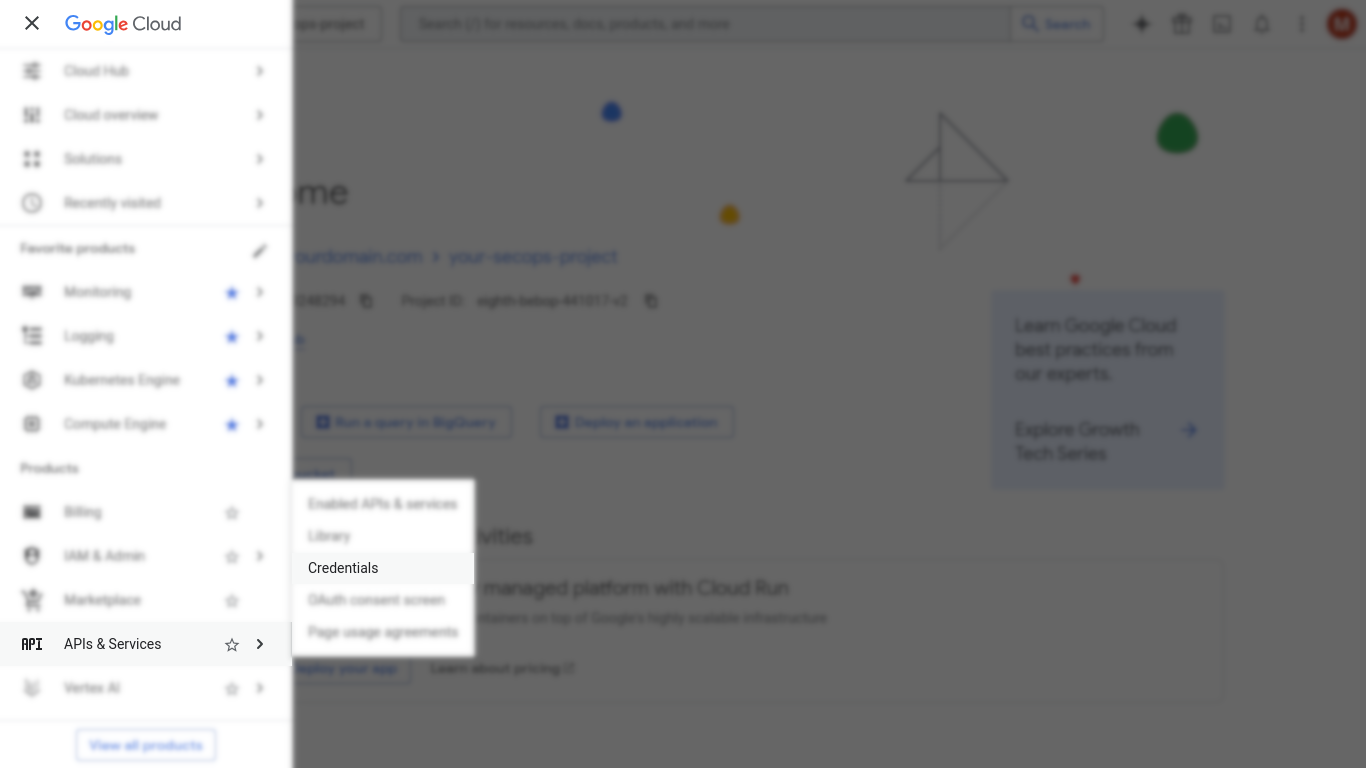
Open the Google Cloud Console project associated with your SecOps instance and navigate to APIs & Services > Credentials.
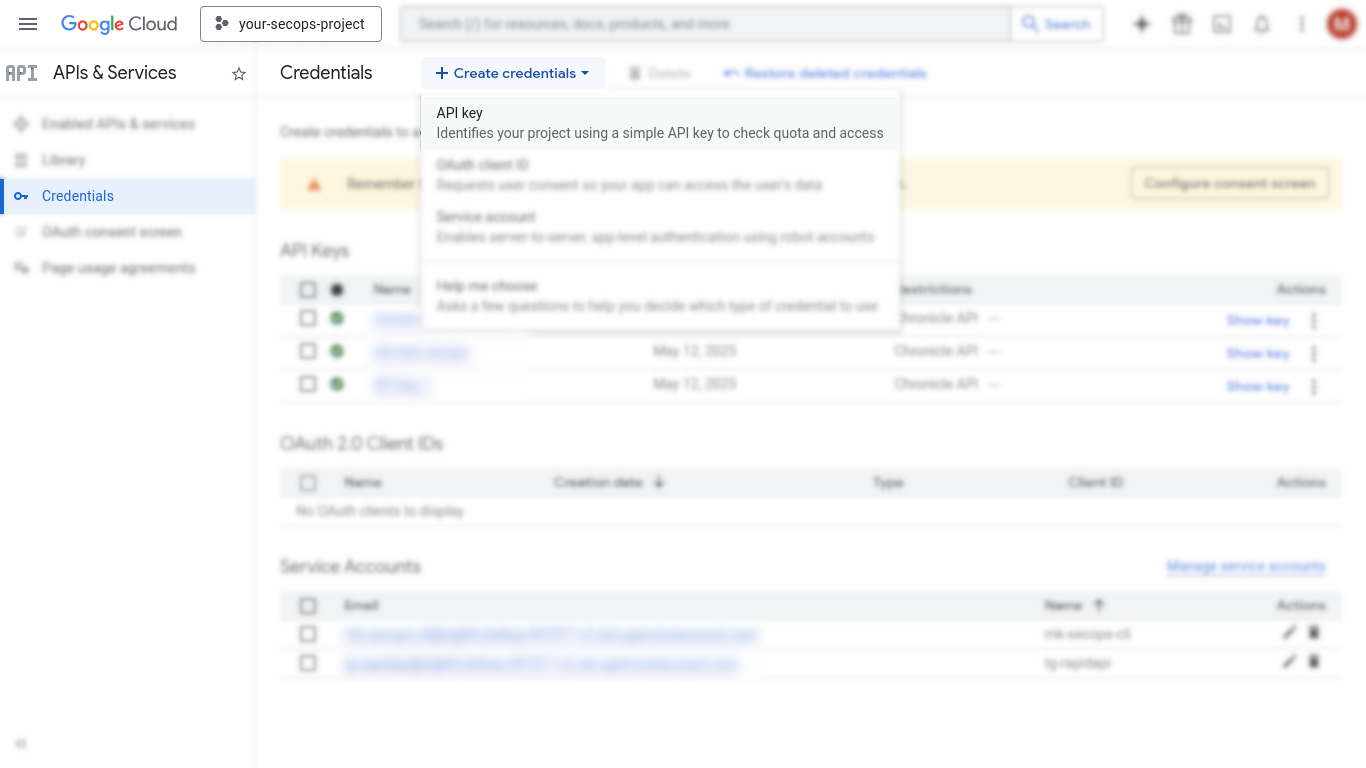
Click Create credentials > API key.
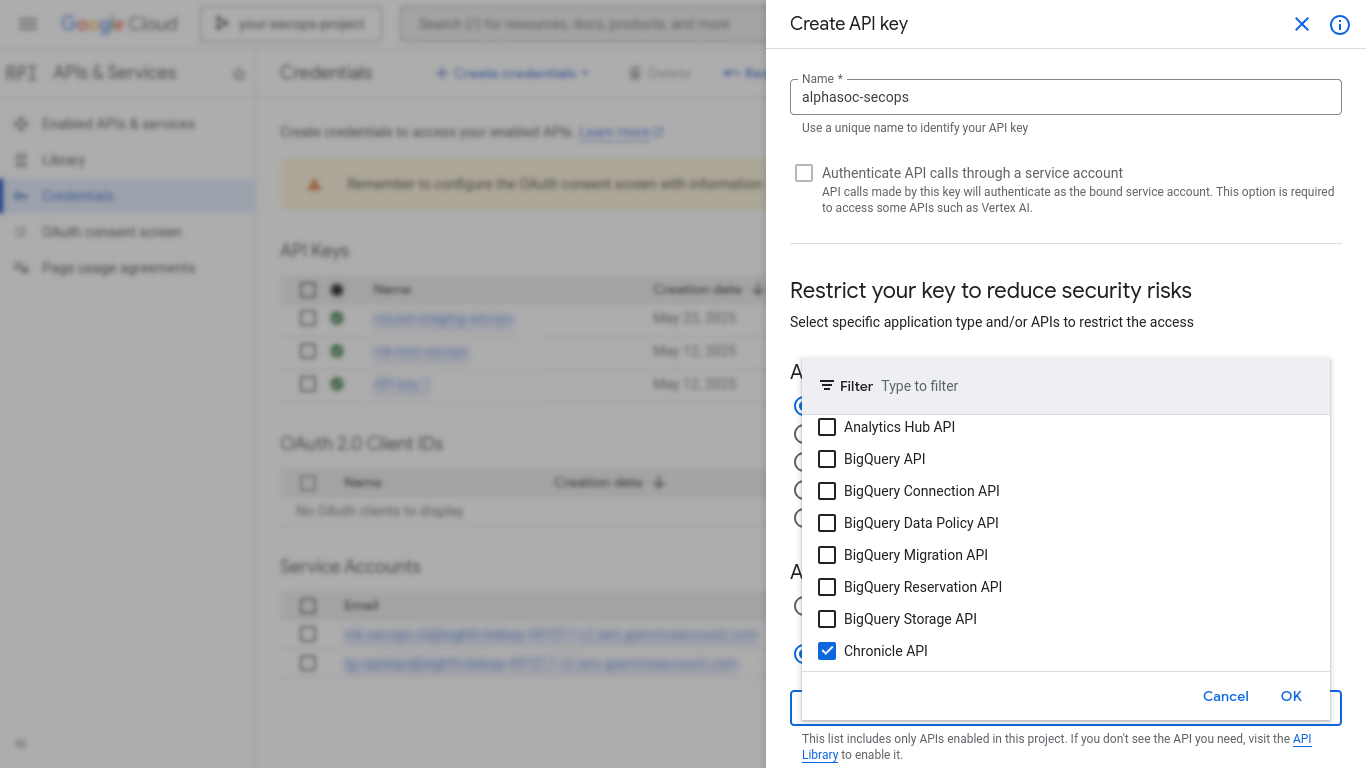
Enter a key name (for example alphasoc-secops), then click Restrict Key
and select Chronicle API.
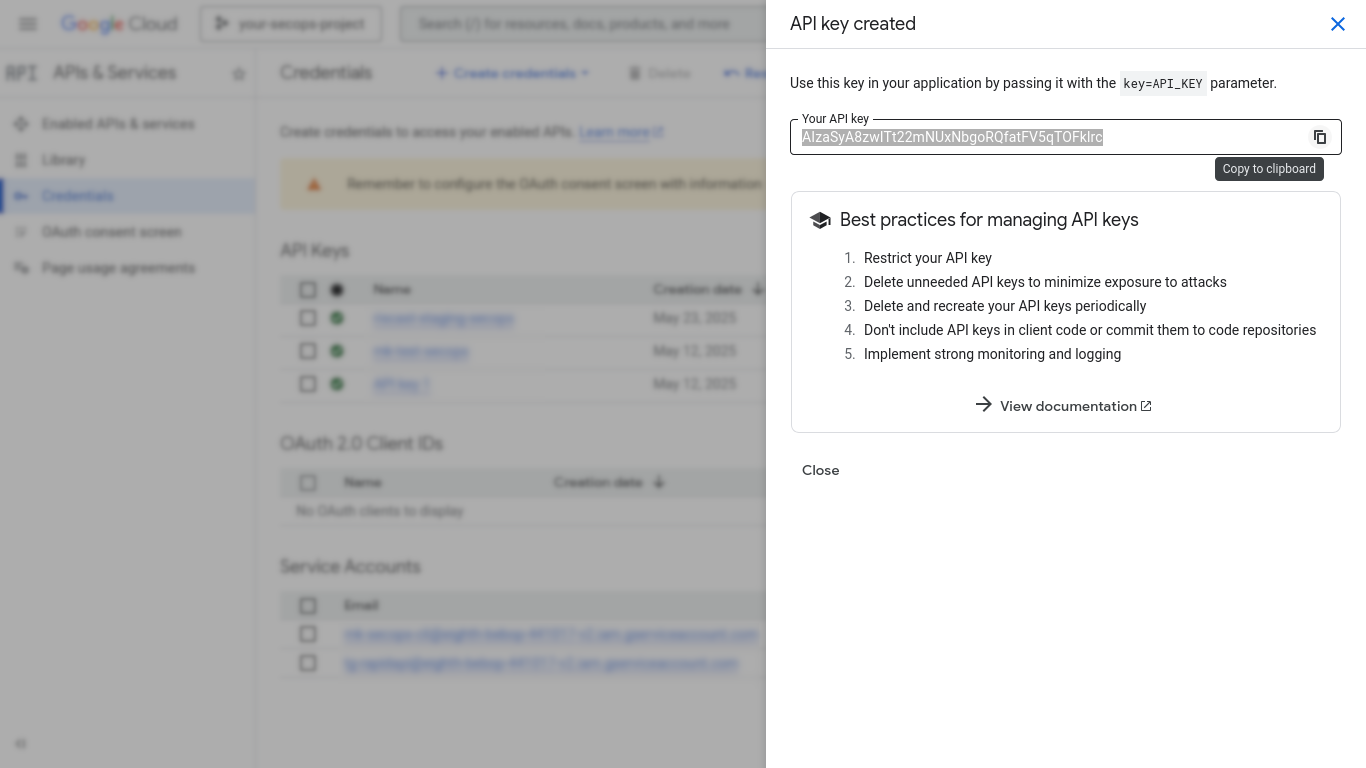
Press Create then copy Your API key and save it for later.
Configure the Google SecOps destination in AlphaSOC
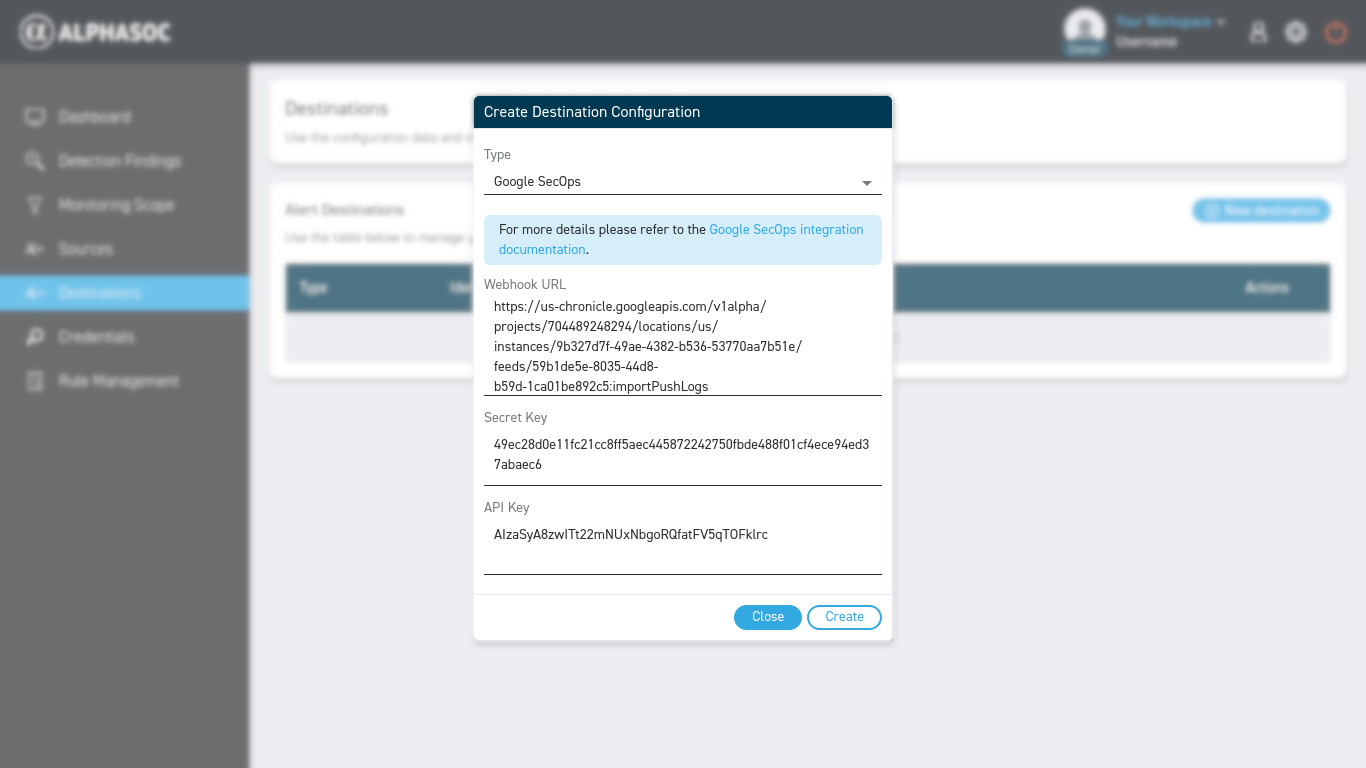
Go to your AlphaSOC console and navigate to Destinations, then click New destination.
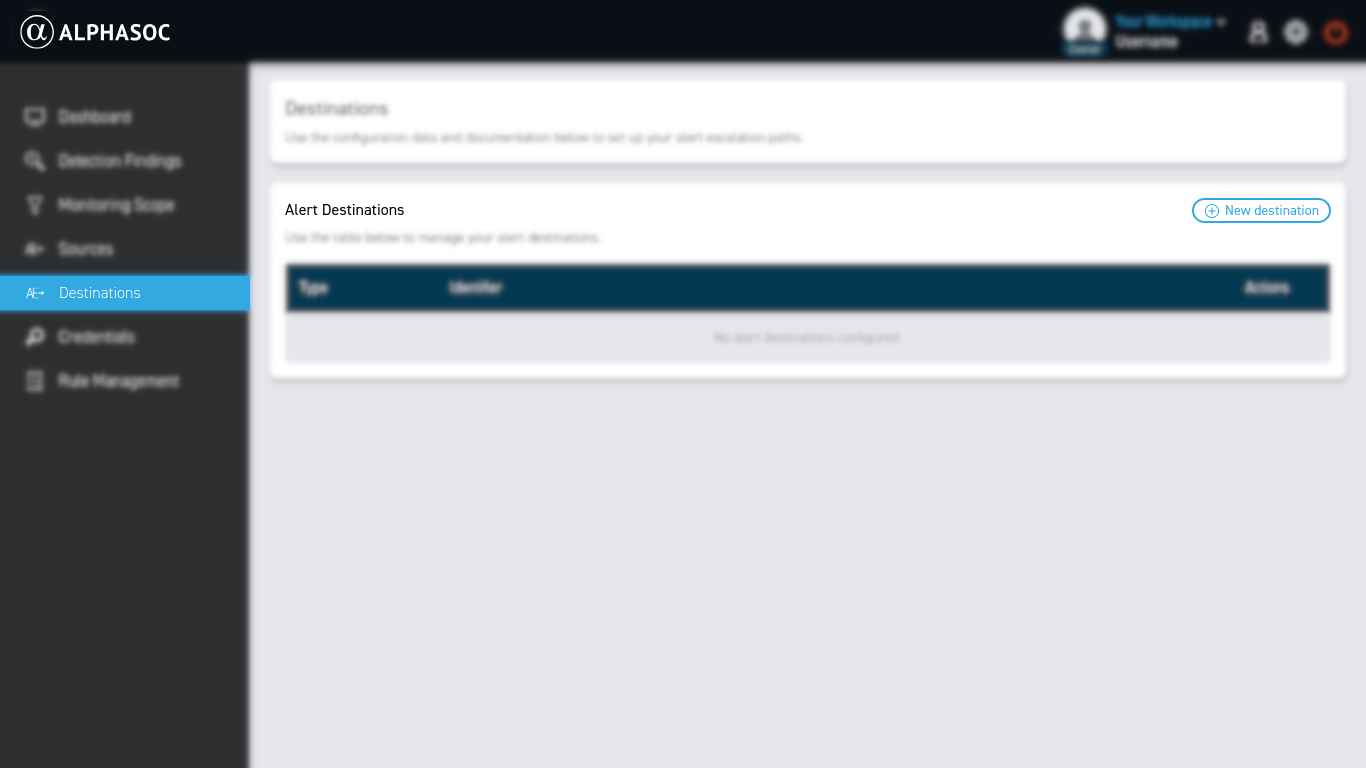
Enter the previously collected details in the configuration form and click Create.